

Welcome to the Coding and Computational Thinking Hub.
Here you will find information on coding courses available for teachers, how you can access coding resources and get involved in coding initiatives, and ideas on how to embed coding and computational thinking into your practice.

EU Code Week

EU Code Week takes place in October each year. Visit codeweek.eu for more information.
Good Practice Videos on Coding
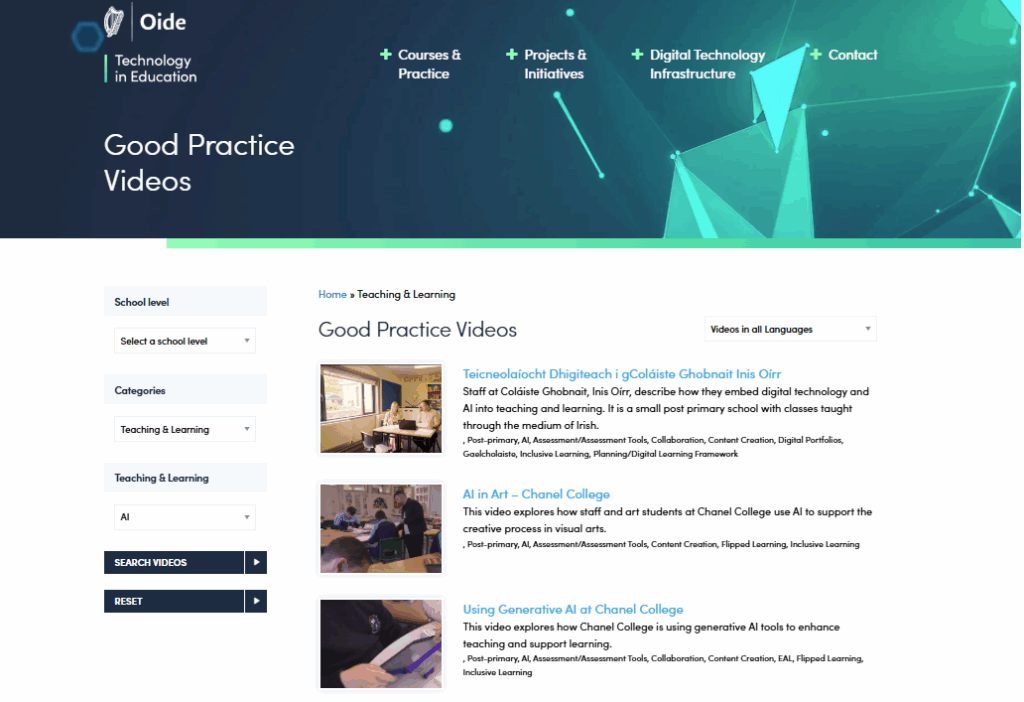
Browse through our curated list of Good Practice Videos on coding and computational thinking for ideas and information on coding.
What is Computational Thinking?
There are 4 main areas or cornerstones of computational thinking:
1. Decomposition – breaking down a problem into smaller, more manageable parts
2. Pattern Recognition – looking for similarities among and within problems
3. Abstraction – focusing only on the important information, ignoring irrelevant detail
4. Algorithms – developing a step-by-step solution to the problem, or the rules to follow to solve the problem
Computational thinking can be explored through the use of ‘unplugged’ activities in the classroom, requiring no access to digital devices. This is seen as a useful and important step in progressing students’ understanding of computational thinking. Unplugged activities are also ideal for teachers who may have limited devices or access during the week.
Here are some useful resources for unplugged activities in the classroom:
Barefoot Computing
CS Unplugged
Code.org
Scratch Garden on YouTube also have a playlist on coding.
Progression to ‘plugged’ activities involving the use of digital devices and coding activity is a natural next step. Engaging in coding and computational thinking can support many areas of the curriculum, as you will see below.
Coding & Computational Thinking Online Course
This highly interactive course provides teachers with an introduction to coding and computational thinking, in particular in the context of the Primary Curriculum STEM specification.
It also includes an optional step-by-step guide to using a popular coding application, Scratch. If you are new to coding, Scratch is an easy to use programming language, and a great way to start your coding journey.
Explore the Coding & Computational Thinking course and find out how to enrol.
BRICS Project
The BRICS Project (Building a Real-World Integrated Curriculum in STEM) is a collaboration between Oide Digital Technologies (Primary) team and the LEGO Education Innovation Studio team (Dr. Denis Moynihan, Dr. Anne McMorrough, and Emeritus Professor Deirdre Butler) in DCU’s Institute of Education and is also supported by Athlone Education Centre and the Technological University of the Shannon (TUS).
The project involves teachers and children from 14 primary schools in the Midlands region, and aims to engage children from 3rd to 6th class in real-world integrated STEM (Science, Technology, Engineering, and Mathematics) learning. Find out more about the BRICS project here: https://www.oidetechnologyineducation.ie/brics-project
The WEAVE Project
The WEAVE project was a collaboration between DCU, SETU, Arizona State University and SFI which aimed to promote engagement with computational thinking by in DEIS schools and co-develop a sustainable, scalable, culturally responsive Computational Thinking framework.
Watch the video below to hear teachers and pupils from Our Lady of Victories Boys’ National School describe their participation in the WEAVE project both from a staff and pupils’ perspective, highlighting the cross curricular links and intrapersonal skill benefits from taking part.
Coding and the Digital Learning Framework
The Digital Learning Framework (DLF) has been developed as a tool for schools and teachers, to help them to effectively embed digital technologies in teaching, learning and assessment.
Engaging with the DLF helps to identify where a school is in its digital journey and to identify areas for further development, both at whole school and individual teacher level.
Schools follow the DL planning process outlined on the digital learning planning website, selecting standards and statements of practice, which they then translate into targets and specific actions. You can remind yourself of the digital learning planning process by visiting www.dlplanning.ie.
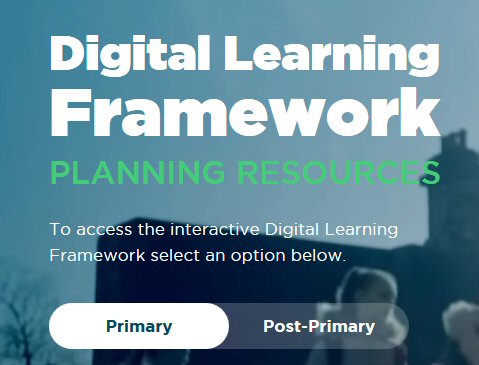
If your school is exploring or developing coding and computational thinking to support teaching, learning and assessment, here are some examples of standards and statements you can choose for your digital learning action plan. Each of these is in the Teaching and Learning section.
| Standards & Statements |
|---|
| Domain 2: Learner Experiences Standard 2.4: Students experience opportunities to develop the skills and attitudes necessary for lifelong learning |
| Statement (highly effective practice) – Students apply their digital competence in innovative ways to new situations or contexts, creatively develop new solutions and/or products, and see themselves engaging in continuing education and training. |
| Domain 3: Teachers’ Individual Practice Standard 3.2: The teacher selects and uses planning, preparation and assessment practices that progress students’ learning |
| Statement (highly effective practice) – Teachers use appropriate digital technologies to support differentiated learning, enabling learners to take ownership of their individual learning needs. Statement (highly effective practice) – Teachers use appropriate digital technologies to help pupils design projects and activities that engage them in collaborative problem solving, research, and/or artistic creation. |
See the DLF and coding and computational thinking in action in this good practice video: Digital Technologies in Attymass National School.
Spend some time engaging with the Digital Learning Framework on www.dlplanning.ie to see if there are other standards and statements that you and your school would like to prioritise for the next cycle of digital learning planning.
Additional Professional Development in Coding for Teachers
- Face to Face Courses: Find out more about face to face courses and other professional learning opportunities available by contacting your local Education Centre. A full listing of Education Centres can be found on the ESCI website here https://www.esci.ie/.
- Oide School Support: School support is available online or face to face and provided by experienced Digital Technologies Professional Learning Leaders. To apply for school support, go to the Oide School Support webpage and list the areas of need in your application. School support applications must be approved by a School Principal.
- Oide Primary STEM: Find resources from the Oide Primary STEM team here: https://oide.ie/primary/home/stem/
- Oide Post Primary Computer Science: Find resources from the Oide Post Primary Computer Science team here: https://oide.ie/post-primary/home/mathematics/computer-science/
- Share your Learning: If you are engaging in any of the above professional learning, we encourage you to share your experiences, resources and skills learnt with other colleagues. Don’t forget also when engaging in professional development courses that they may be able to be counted as part fulfilment of discretionary CPD (Croke Park) hours, subject to prior school management approval.
Coding for Students
Here are a selection of online skills based tutorials and classroom resources which students (and teachers) can access in their own time. They cover a wide range of programming tools and provide very user-friendly instructions for all levels from beginner to advanced. They are also available as a Scoilnet Learning Path.
Before you start any coding activities, it’s important your students know how to use the internet safely. The Webwise HTML Heroes programme is the ideal place to start for primary pupils (now including lessons for 1st and 2nd classes), while there are a range of post-primary resources available to download also. Visit the Webwise teachers’ section for more information.














Coding Initiatives
| Initiative & Logo | Details |
|---|---|
 | EU Code Week EU Code Week or Europe Code Week aims to bring coding and digital literacy to everyone in a fun and engaging way. Code Week encourages teachers to share their coding activities with others by adding it to the Code Week map. You’ll find more information on Code Week on the EU Code Week website. |
 | Hour of Code As part of Code Week, many teachers engage in Hour of Code activities and tutorials. It’s a great way to get started and you can share your activities on the Code Week map. Start by watching a tutorial, and then explore the lesson plans and ideas before trying them out in your class. |
 | Social Media If you are using social media, consider sharing your coding activities using the hashtag #codeweek, or just search for resources and ideas for your class using the hashtag. Many of the teachers involved in Code Week are actively sharing on social media platforms, so make sure to have a look. |
 | CESI.CS is the official Teacher Professional Network for (Leaving Certificate) Computer Science teachers in Ireland. |
 | Make, Create, Innovate is an initiative promoting and supporting STEAM in schools, through its partnerships with other organisations. |